Free Shipping over $99! (most areas) Make Stunning Collages for Free! ✨ New: AI + Human Support is live! Click to chat in any language.



Have you ever experienced this? You carefully edit a photo on your computer screen, the colours are rich, the lighting is captivating, but when you eagerly hold the final print in your hands, the colours look dull. That vibrant blue has turned into a muddy purple, and the whole image feels like it has a "grey" layer over it.
This isn’t a printer malfunction; it’s Colour Space at work. This is a common frustration in the world of professional digital printer printing.
Today, we’re going to dive deep into the love-hate relationship between RGB vs CMYK (specifically sRGB and Adobe RGB), and how to master them for perfect output.
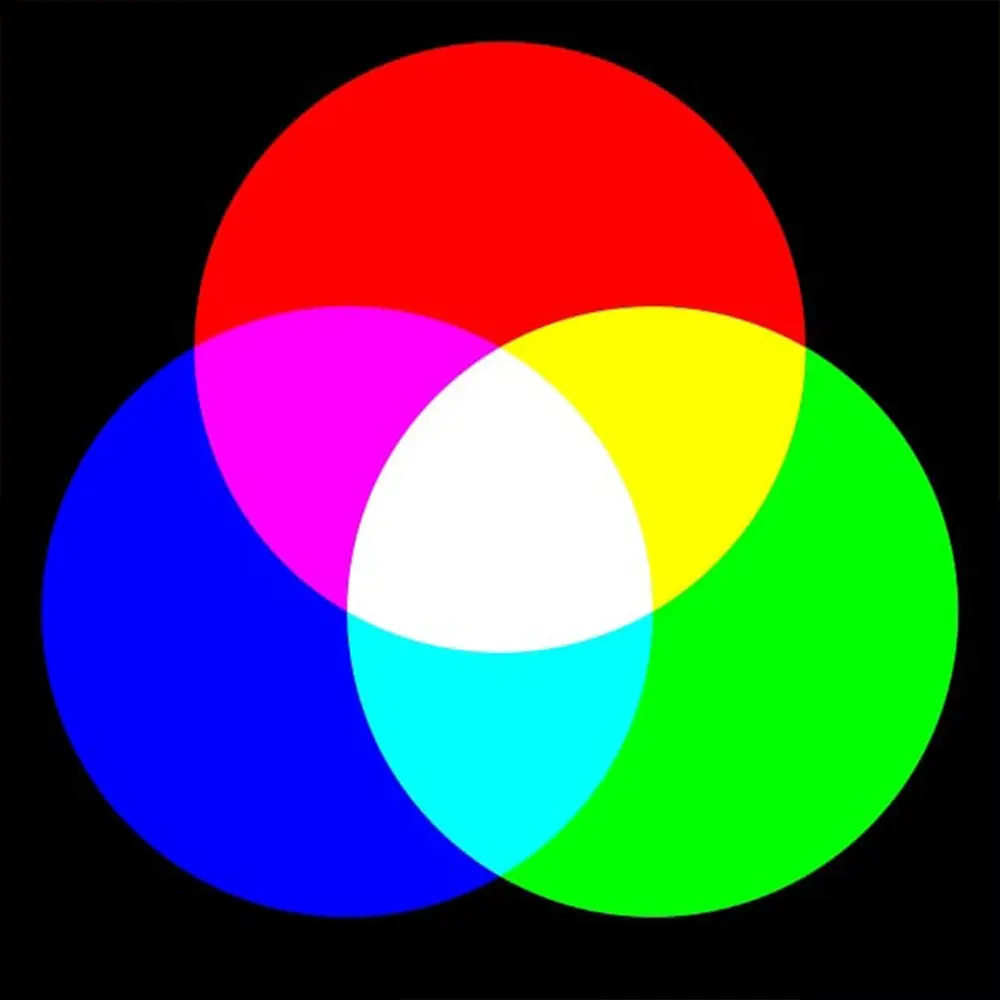
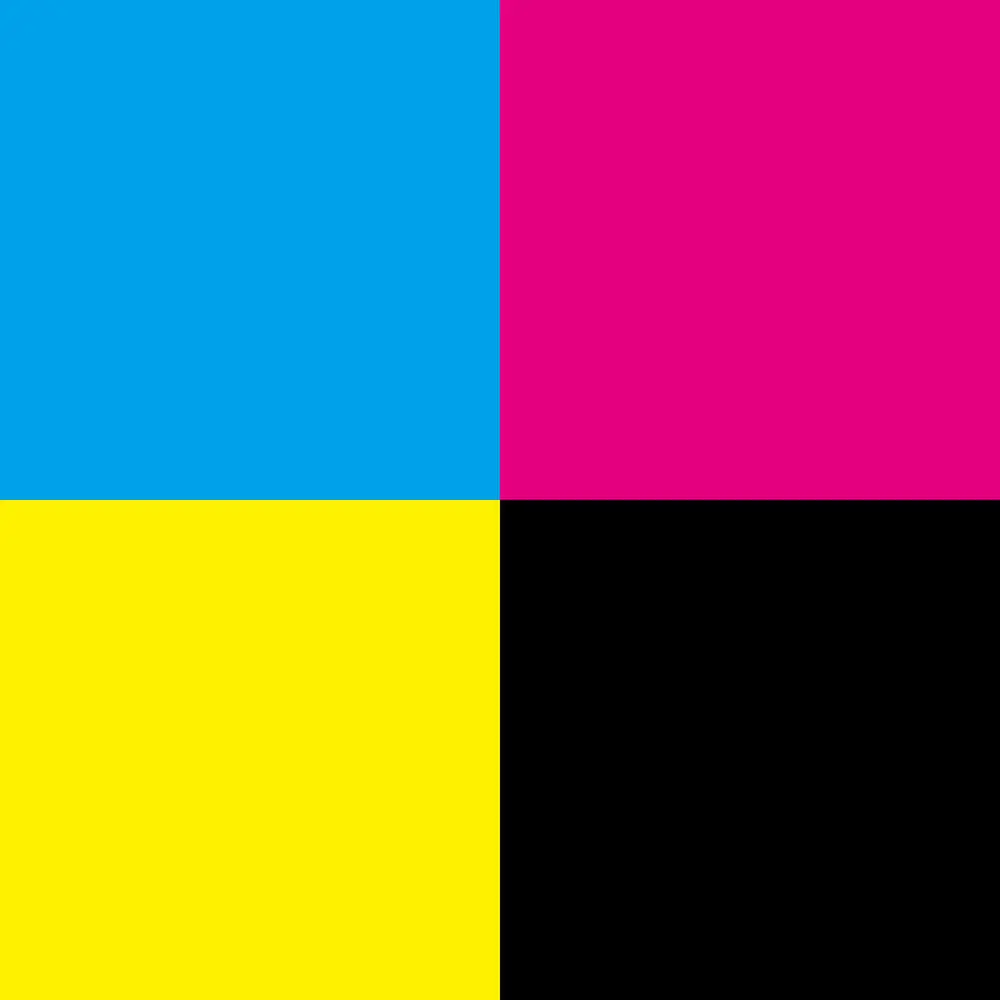
I. The Fundamental Difference: Emission vs. Reflection
To understand print colour discrepancy in digital printer printing, you first need to understand the difference between light and ink.
1. RGB: The Language of Light (Red, Green, Blue) •
Principle: Your monitor and phone screen display colour by emitting light. The brighter the Red, Green, and Blue lights overlap, the closer the mixture gets to white (Additive Colour Mixing).
• Characteristics: An extremely wide colour gamut, capable of displaying very bright, vivid, and even fluorescent colours.
2. CMYK: The Language of Ink (Cyan, Magenta, Yellow, Key/Black)
• Principle: Printers spray ink onto paper. The ink absorbs light and reflects the remaining colours into the human eye (Subtractive Colour Mixing).
• Characteristics: Physical ink has limitations. Paper cannot "glow" like a screen, so the CMYK colour gamut is naturally much narrower than RGB.
II. The Internal Battle of RGB: sRGB vs. Adobe RGB
Before sending a file for digital printer printing, you usually select an RGB mode for design or editing. There are two main contenders:
1. sRGB: The Universal Language of the Web
• Definition: The most common colour standard. Almost all websites and standard monitors default to sRGB.
• Impact on Print: sRGB has a relatively narrow gamut. While it is the "safest" choice, it discards many colours that high-end printers can actually print (especially rich cyans and greens). If you only use sRGB, you are effectively wasting the potential of high-end equipment.
2. Adobe RGB: The Professional’s Choice
• Definition: Designed specifically for printing and professional photography, possessing a much wider colour gamut. For a deeper technical dive, you can read about Adobe RGB on Wikipedia.
• Impact on Print: Adobe RGB contains many blue-green tones that sRGB cannot display. These tones happen to fall within the capabilities of high-end CMYK printers.
• Conclusion: If your goal is high-quality Giclée or art book printing, be sure to select Adobe RGB. To help you choose the right settings for your digital printer printing workflow, refer to the table below:
| Device/Format | Default/Actual Gamut | Impact on Print/Display | Recommendation |
| iPhone | Display P3 | Very rich colours, covering parts of the Adobe RGB range. | Keeping the original format or converting to Adobe RGB will both yield great results. |
| Android | sRGB (Mostly) | The safest choice, but may not utilize the full potential of high-end printers. | If pursuing the ultimate print, try looking for a "Wide Colour Gamut" option in settings. |
| Camera (JPEG) | sRGB (Default) | Good for web sharing; print results are average. | If you shoot JPEG specifically for print, change the menu setting to Adobe RGB. |
| Camera (RAW) | Native Wide Gamut | Greatest Potential. Contains the most colour detail. | Professional Choice. When exporting for print, select Adobe RGB as the output profile. |
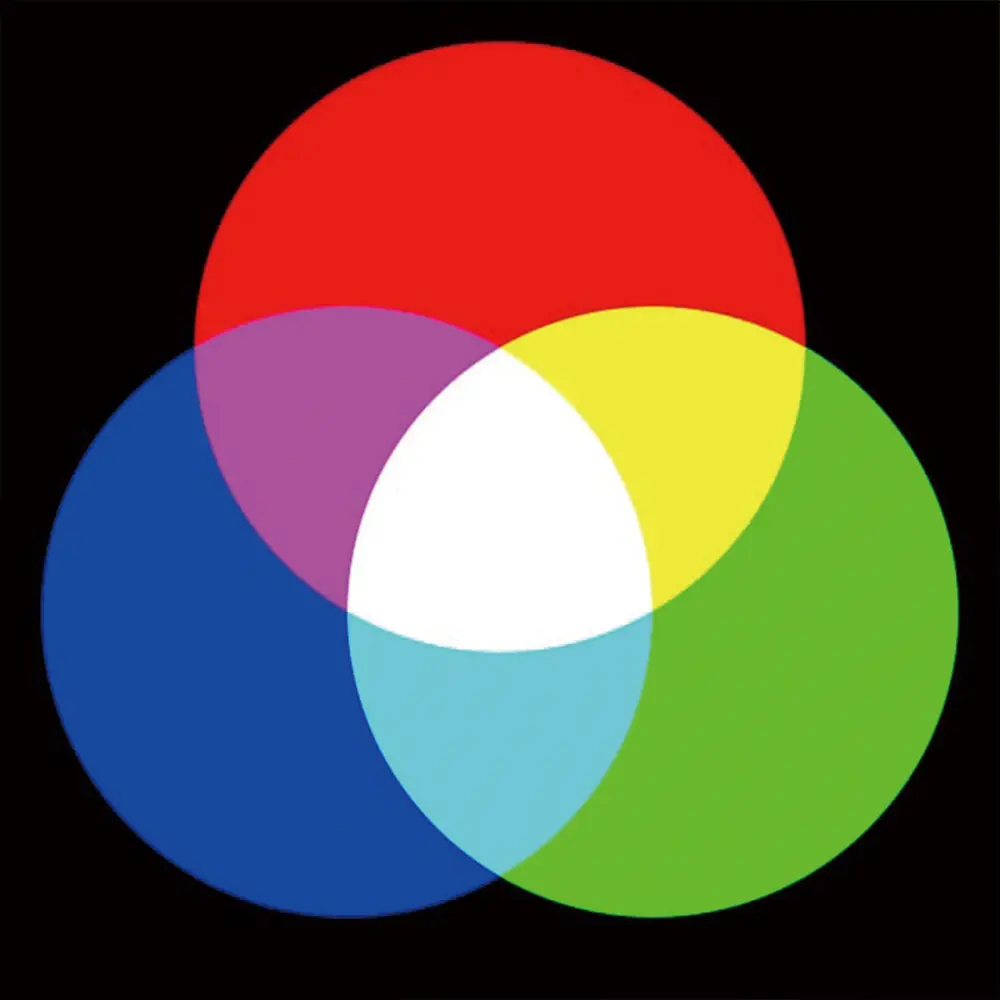
III. The Dilemma: Should You Convert RGB to CMYK?
This is the core of the issue and the most frequently asked question: "Should I convert RGB to CMYK before sending files to VeeArt?" When you convert an RGB image (especially a wide-gamut Adobe RGB one) to CMYK manually, distinct issues arise:
• Gamut Overflow (Out of Gamut): Imagine RGB is a large circle, and CMYK is a smaller, irregularly shaped polygon inside it. The RGB colours that fall outside the CMYK range (usually high-saturation bright blues, fluorescent greens, and bright oranges) are physically impossible to replicate.
• Forced Compression: To print, software must force these "overflowing" colours back into the CMYK range.
◦ The Result: Electric blue becomes a dull deep blue; bright orange looks burnt. This causes the visual sensation of the image turning "grey" or "off-colour."
So, is converting RGB to CMYK necessary? For modern art printing, the answer is often no. Manually converting RGB to CMYK can prematurely clip these vibrant colours before the printer even sees them.
IV. The VeeArt Difference: Modern Digital Printer Printing
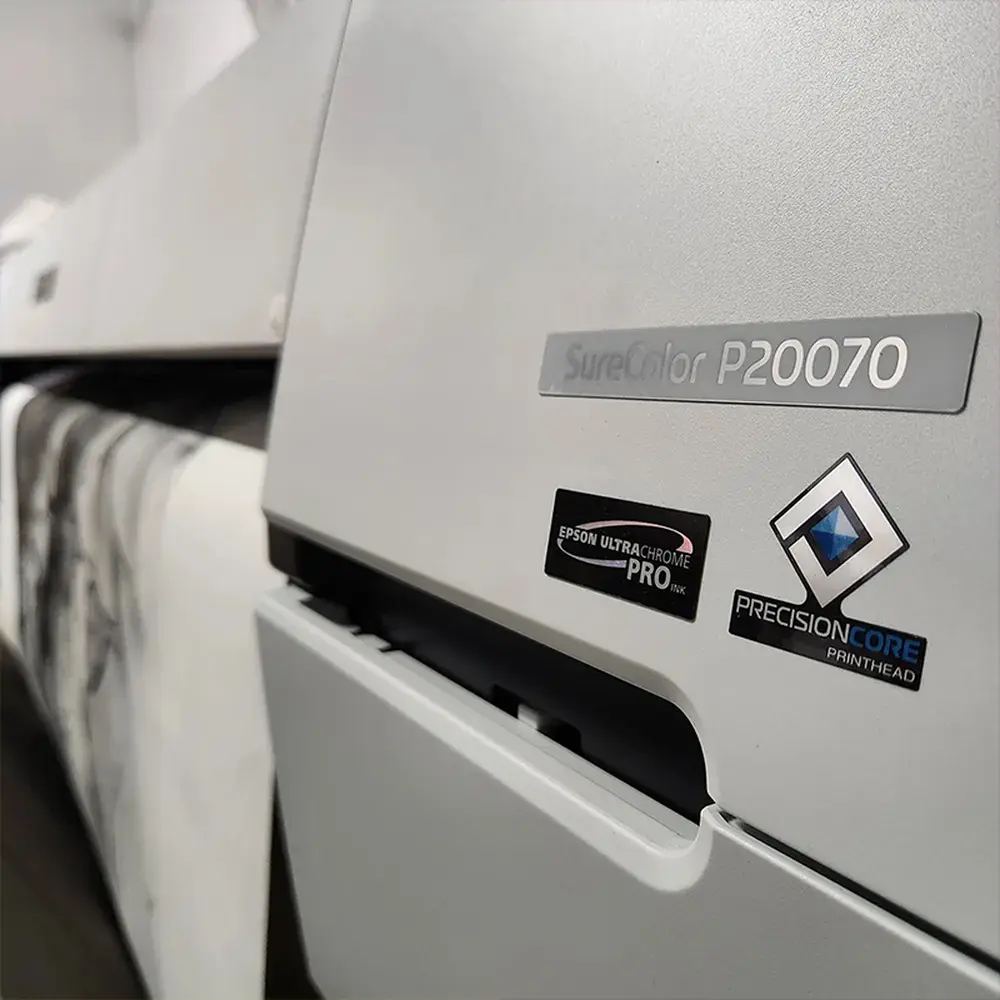
At VeeArt, we understand how particular you are about colour. To maximally restore the moment that captivated you on screen, we rely on advanced digital printer printing technology rather than standard offset methods. We want to reveal our core weapon—Museum-Grade Giclée Technology.
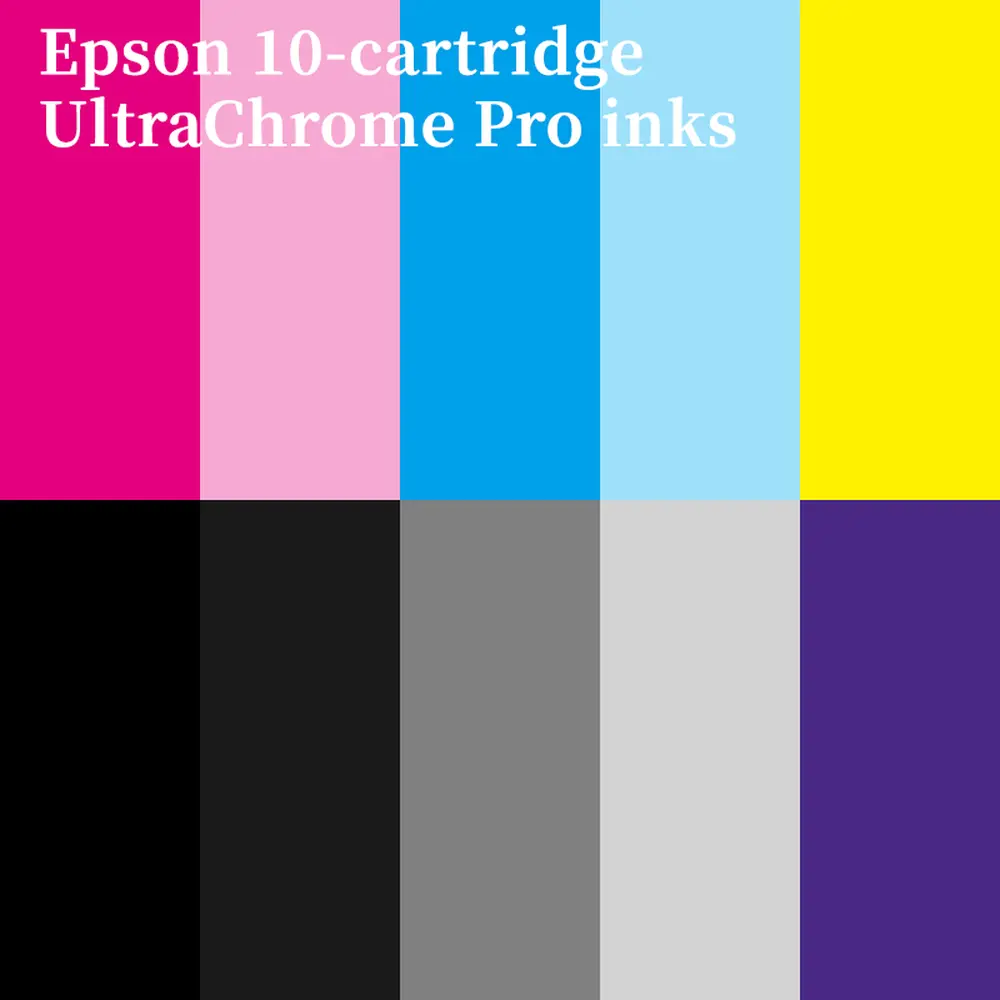
The Epson SureColor P20070 we use doesn't just have 4 inks; it utilizes over 10 specialized pigment inks (including Light Gray, Dark Gray, and even special coloured inks).
What does this mean for you?
• Wider Colour Gamut: We can print a range of colours that ordinary printers cannot touch.
• RGB Workflow: Our equipment is intelligent enough to read high-quality RGB files directly. It handles the RGB to CMYK calculation internally, precisely translating data into the perfect ink combination on paper.
• The Ultimate "What You See Is What You Get": Although paper can never emit light, our technology allows the colour depth, layering, and texture of the artwork to infinitely approach the 2D screen display.
Here is a quick guide on when to use which format for different digital printer printing scenarios:
| Print Scenario | Recommended Format | Reason |
Fine Art / Photo Prints (VeeArt's Core Business) | RGB (Adobe RGB is best) | The printer driver utilizes all 10-12 inks, automatically converting RGB into the perfect ink mix for the widest gamut and most vivid colours. |
Offset / Bulk Printing (e.g., 1000 flyers) | CMYK | These presses typically only use 4 colours. If you don't convert to CMYK, the machine's auto-conversion can cause severe colour shifts (e.g., blue turning purple). |
Laser Printer (Office documents) | sRGB | Standard laser printers cannot handle complex gamuts; sRGB is the safest "foolproof" mode. |
V. Buyer Tips: How to Get the Best Viewing Experience
Now that you know the principles of RGB vs CMYK, here are a few suggestions to help you better appreciate your new artwork:
Check Screen Brightness: Phone screens are usually set to very high brightness by default. If you lower your phone brightness to about 50%, the image you see will be much closer to the actual effect of the art hanging on your wall.
Turn Off "Night Shift": Many phones automatically turn yellow at night (eye protection mode). This severely interferes with your judgment of the artwork's true colours.
Lighting is the Soul of Art: Since artwork is presented via "reflected light," your home lighting is crucial. A spotlight with good Colour Rendering Index (CRI > 90) can instantly activate the ink pigments, making the artwork shine in your home.
Conclusion
Understanding RGB vs CMYK isn't about lowering our standards; it's about giving us predictable control.
While paper will never glow like a screen, by using Adobe RGB for shooting and editing, combined with professional digital printer printing services like VeeArt, we can still present breathtaking colour depth and texture on paper.