Free Shipping over $99! (most areas) Make Stunning Collages for Free! ✨ New: AI + Human Support is live! Click to chat in any language.


Why collage tools aren’t all the same
online collage maker choices serve two very different jobs. Some focus on a flexible photo collage editor with rich collage templates for social posts; others prioritise print—frame-matched ratios, high-resolution output, and museum-quality printing and framing (plus options like magnetic frames). If you prefer speed, a no sign-up collage tool is great for quick drafts.
Social media graphics: lots of templates, stickers, quick exports.
Wall art you can hang: accurate frame ratios, high-res files, professional print & frame.
This guide compares four popular options so you can choose by goal, not just brand name.
Canva: template powerhouse for social posts
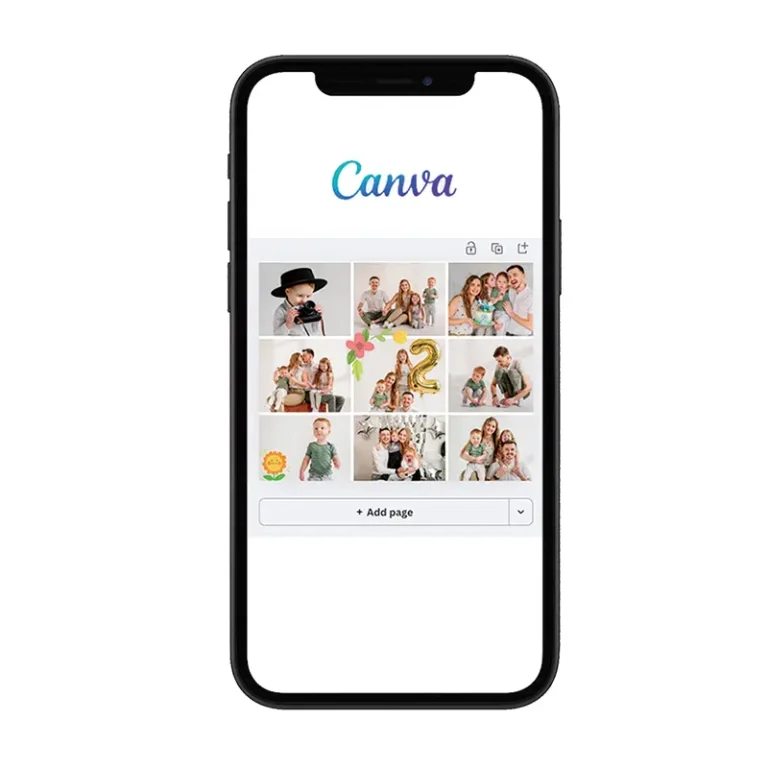
Canva is familiar to many creators. It offers a huge range of templates and layouts. You can drag and drop photos, add text, and swap backgrounds with ease.
Pros: very versatile, beginner friendly, great for Instagram posts and stories.
Note: some premium templates and high-resolution downloads are paid. Always check the export size if you plan to print large.
Fotor: beginner-friendly clean grids
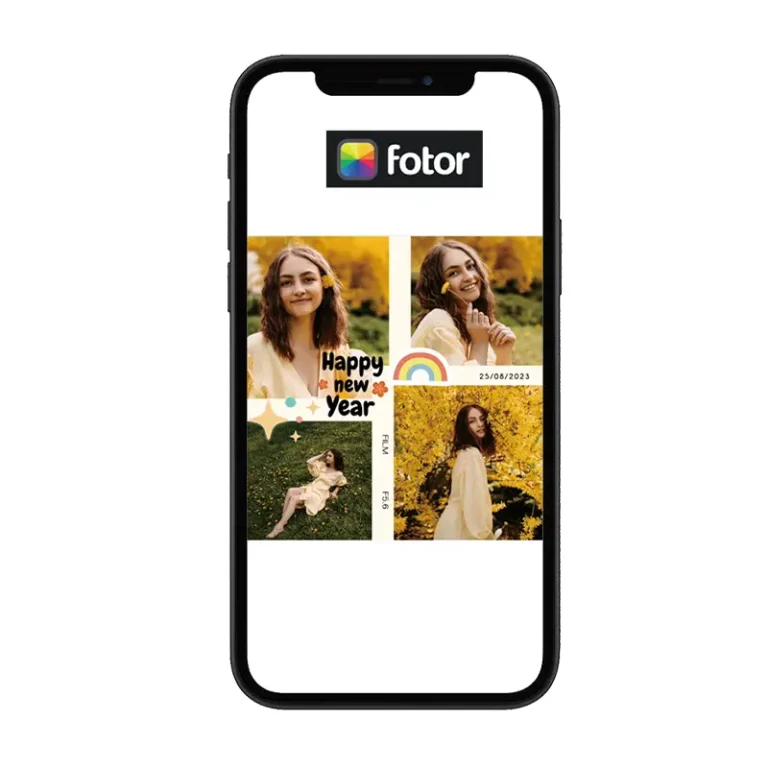
Fotor’s collage feature shines for neat, structured layouts:
- Choose a grid, adjust spacing, border thickness, colour, and corner shape.
- Handy filters and photo enhancement tools for quick fixes.
It’s ideal if you prefer a clean, photographic look over decorative templates.
Photo Collage: no account, quick results
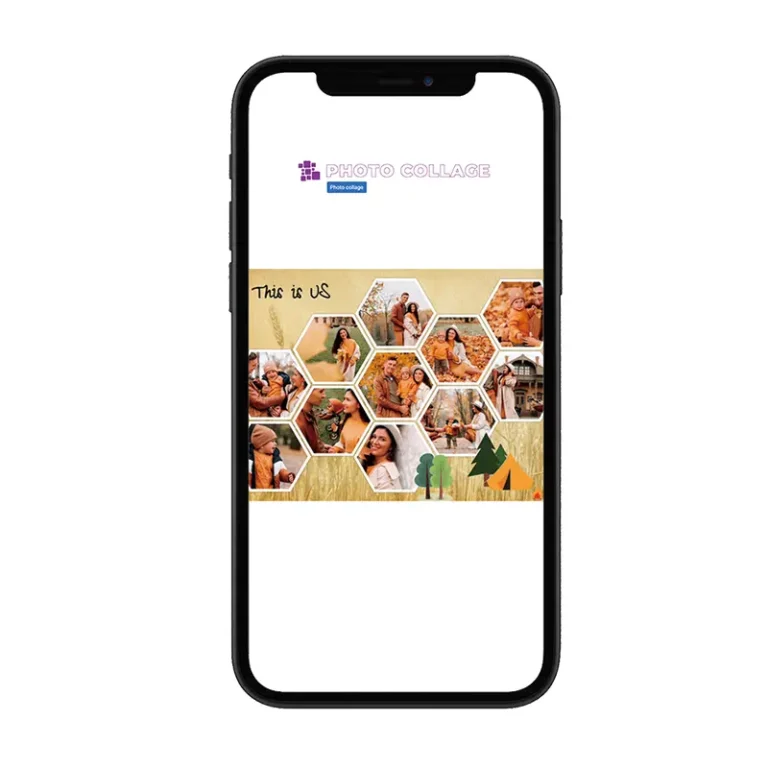
If you want a collage without creating an account, Photo Collage is perfect.
Flow: upload photos → drop into a layout → tweak spacing → download instantly.
Best for: everyday use, drafts, quick social shares.
Limitations: fewer designs, and no print/framing path built in.
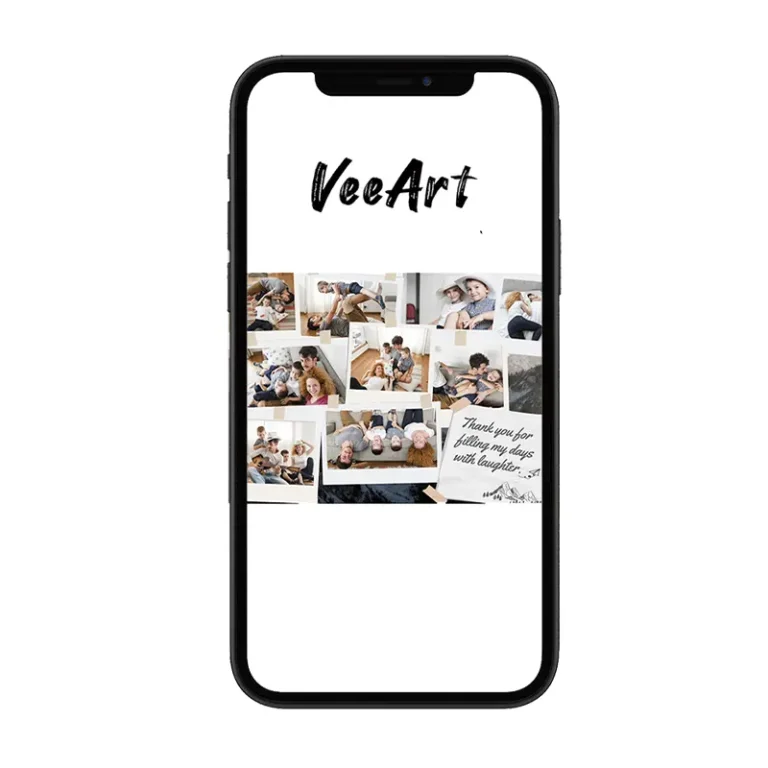
VeeArt: design online → museum-quality print & frame in Australia
When your goal is real wall art, VeeArt’s online collage editor goes beyond social ratios:
- Templates in frame-friendly aspect ratios
- Upload photos, drag to resize, and customise short text
- Order in one step: museum-quality printing and professional framing
- Australian production and support for faster delivery
- Optional magnetic frames and patented hidden hooks for quick swap-outs and easy hanging
Perfect when you want your collage to move from screen to wall with no extra steps.
Suggested internal links:
- Photo Collage: https://veeart.au/collections/photo-collages/
- Art Prints: https://veeart.au/collections/art-prints-wall-art/
- Frames: https://veeart.au/collections/picture-and-photo-frames/
Quick comparison table
| Tool | Best for | Key strengths | Watch-outs |
|---|---|---|---|
| Canva | Social posts & stories | Huge template library, drag-and-drop, very versatile | Some premium templates and high-res downloads require payment |
| Fotor | Tidy grid layouts | Easy controls for spacing, border thickness, colours, rounded corners; filters & enhancement tools | Smaller template ecosystem than Canva |
| Photo Collage | Speed & no sign-up | Open → upload → adjust → download; perfect for quick collages | Fewer templates; no integrated print/framing |
| VeeArt | Wall-ready artwork | Design online in frame ratios → museum-quality print & frame → fast local delivery in Australia | Focused on finished wall art rather than sticker-heavy social posts |
How to pick the right template
- Match the aspect ratio first: choose a template that fits your frame to avoid unexpected cropping.
- Mind the margins: a little breathing room makes wall art feel more polished.
- Grid vs freeform: grids are tidy and timeless; freeform feels more playful.
- Keep text minimal: short, clear titles or dates work best on the wall.
Pro tips for sharp prints
- Use high-resolution photos: for large prints (A2 and above), start with the highest-resolution originals you have.
- Avoid heavy filters: they often reduce detail and sharpness, which becomes obvious in print.
- Check exposure: fix clipped highlights and crushed shadows before exporting.
- Export wisely: high-quality JPG or PNG is ideal for printing.
Mini guide: make a print-ready collage with VeeArt
- Open the VeeArt Photo Collage Editor and choose a frame-matching ratio/size.
- Upload your photos and drag to position; adjust crop and alignment.
- Add concise text if desired (title/date).
- Preview and select printing medium (fine art paper/canvas/iron-infused media) and your frame (walnut/beech/aluminium).
- Checkout. Our Brisbane team completes museum-grade printing and framing, then ships across Australia.
FAQs
Q: Will images downloaded from the online editor look sharp?
A: Yes. They’re clear for saving to your phone and sharing on social media. If you want a large, high-quality wall print, choose VeeArt’s professional printing and framing so we can produce it at museum-grade resolution and materials.
Q: How is VeeArt printing different from standard photo prints?
A: We use museum-grade printers and media for better colour accuracy, fine detail and long-term durability, ideal for wall art.
Q: I’m in Australia. How fast is delivery?
A: Production and support are local. Delivery is typically faster than cross-border services; please refer to the checkout page for current estimates.
Ready to turn memories into real wall art?
Start in the VeeArt Photo Collage Editor, choose the frame-matched ratio, drop in your photos, and order museum-quality print and frame with fast Australian delivery. Visit our Brisbane store to see materials and frames in person, or create online and we’ll handle the rest.